Many homeowners first meet Lutron through Caseta: smart dimmers and switches you can control from your phone. Caseta is a great introduction to lighting control. But as homes get larger and expectations grow, many people find they want more than an app and a few smart switches. That is where Lutron RA3 and Lutron HomeWorks come in. Here is how the three compare, and why most of our clients choose RA3 or HomeWorks.
Lutron Caseta: A Starting Point
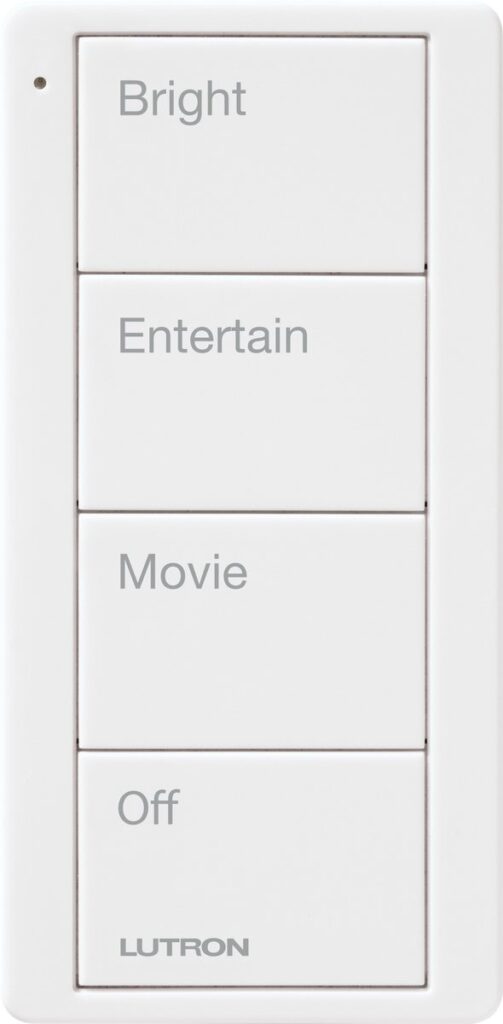
Caseta is Lutron’s entry level smart lighting line. It is built for smaller homes, apartments and a handful of rooms, and it is often installed one switch at a time. It is reliable and easy to use, and it works well for basic dimming, simple schedules and phone control.
Where Caseta reaches its limits is scale and design. It is meant for a smaller number of devices, it relies mostly on the app and small remotes, and it does not offer the custom keypads, finishes and whole home programming that larger homes call for.
Lutron RA3: The Step Up
RA3 is Lutron’s professionally installed system for whole home lighting and shades. It is the step up most Caseta owners are looking for when they outgrow it.
- Room for the whole house: designed to control every room, the exterior and the motorized shades on one system.
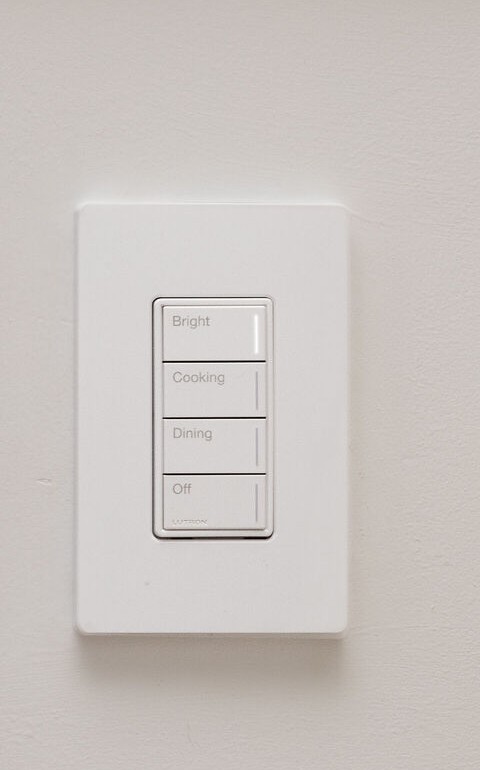
- Custom engraved keypads: buttons labeled with scenes like “Dinner,” “Relax” or “Goodnight” instead of a row of switches.
- Scenes and automation: lights and shades that follow the time of day, sunrise and sunset, and the way your family lives.
- Professional design and programming: set up by a Lutron integrator so it works the way you expect from day one.
- Integration: ties into Control4 and other home automation systems for one simple control.
Lutron HomeWorks: The Flagship
HomeWorks is Lutron’s top system for large custom homes and design driven projects. It offers everything RA3 does, plus the widest range of keypad styles and finishes, wired options with lighting panels tucked away in a mechanical room, and the scale to handle estates, guest houses and outdoor spaces. When an architect or interior designer is involved, HomeWorks gives them the most to work with.
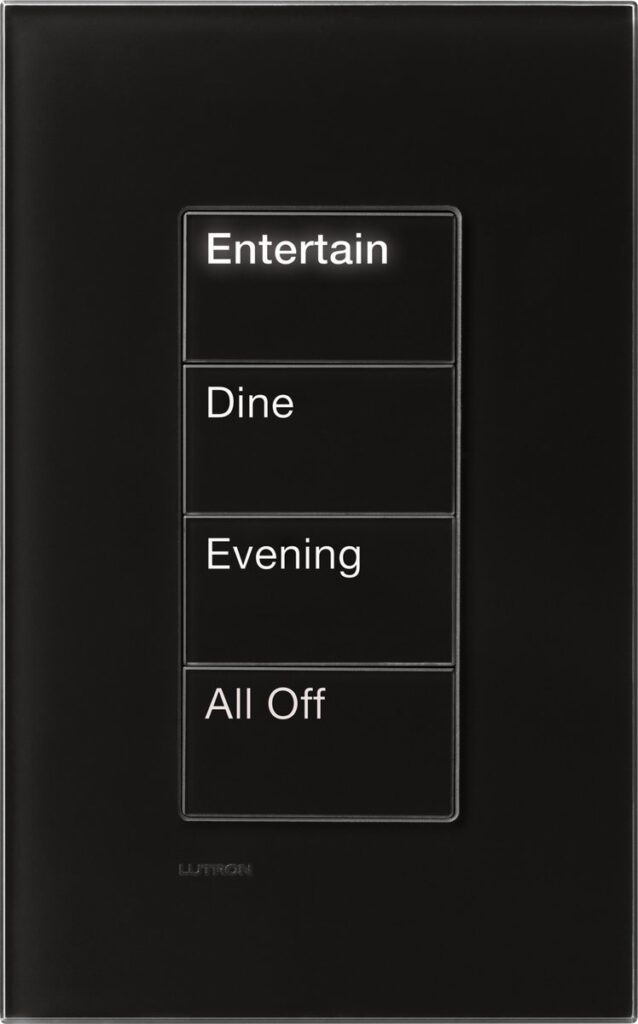
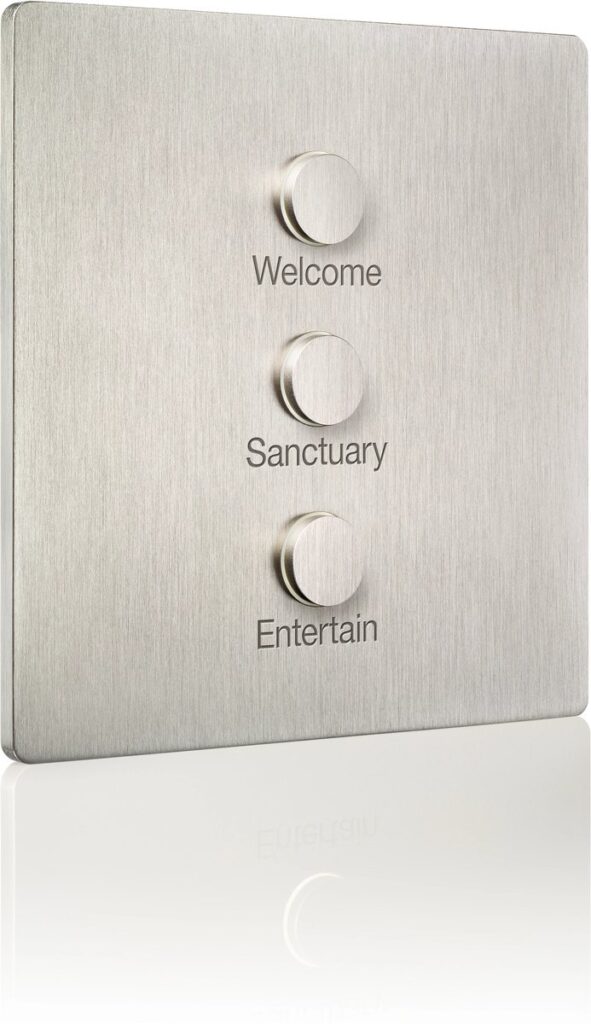
The difference is easy to see on the wall. Caseta relies on small remotes and the app. RA3 adds engraved Sunnata keypads, and HomeWorks opens up Lutron’s designer keypads like Palladiom and Alisse.
Caseta vs RA3 vs HomeWorks at a Glance
- Caseta: a few rooms, app and remote control, basic schedules. Best for smaller spaces.
- RA3: the whole home, custom keypads, scenes, shades and integration. Best for most homes and renovations.
- HomeWorks: the largest homes and most refined designs, with the most keypad and wiring options. Best for custom builds.
Already Have Caseta?
Moving up does not mean starting over on the idea. If you like what Caseta does in a few rooms, RA3 or HomeWorks takes that same experience across the entire home, adds shades and scenes, and replaces the app and remotes with keypads everyone in the family can use. We will walk your home, look at what you have and recommend the right system.
Lighting Design + Fixtures, Too
The control system is only part of great lighting. We also handle lighting design and supply fixtures, so the whole result is planned by one team. Learn more on our Lighting Design + Control and Motorized Shades pages, read Lutron HomeWorks vs RA3, or contact us today. We work across South Jersey, the Jersey Shore, Wilmington and the Philadelphia suburbs.
Written by Justin Kaplan, owner of Custom AV Integrators in Mullica Hill, NJ.